
Introduction
A fast, secure, and reliable Wi-Fi network is one of the most important investments for any modern office. Whether you run a small business or a large enterprise, employees and clients depend on stable internet access for communication, collaboration, video conferencing, and cloud-based applications.
But setting up a reliable Wi-Fi network in your office requires more than just buying a router. You need the right hardware, software, and setup strategy to ensure high performance, security, and scalability.
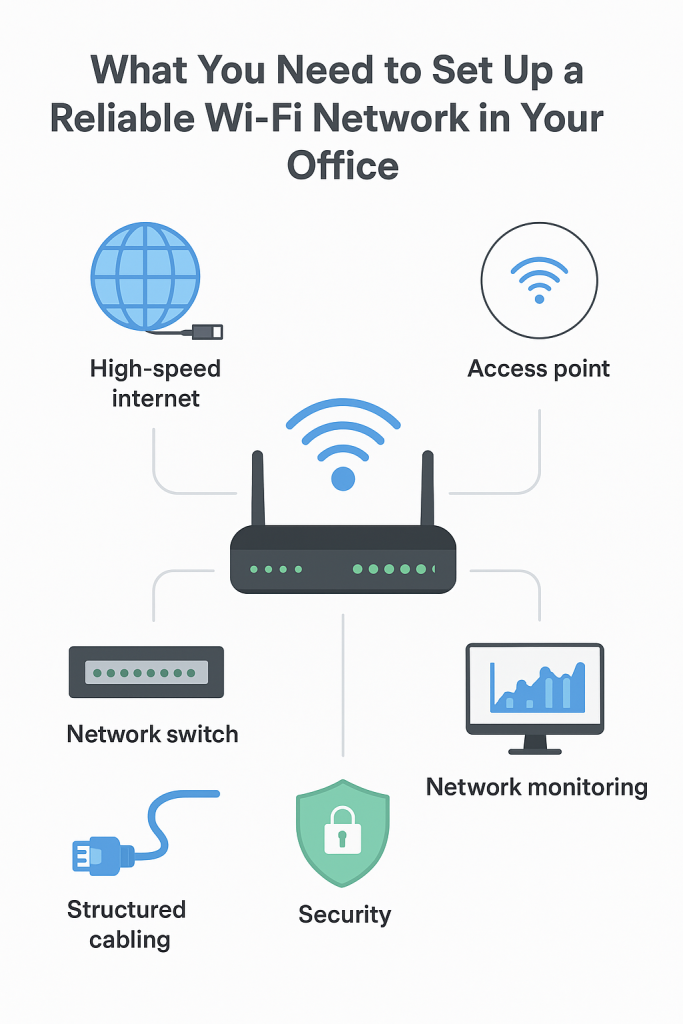
In this guide, we’ll walk you through what you need to set up a reliable Wi-Fi network in your office and how to optimize it for long-term use.
1. A High-Speed Internet Connection
The foundation of a strong office Wi-Fi network is your internet service provider (ISP). Choose a plan that offers:
- High bandwidth: Enough speed to support multiple devices simultaneously. For small offices, at least 100 Mbps is recommended. Larger offices may need 500 Mbps to 1 Gbps.
- Low latency: Essential for video calls, VoIP, and real-time collaboration tools.
- Stable uptime guarantee: Go for providers with 99.9% uptime SLAs.
2. Business-Grade Router
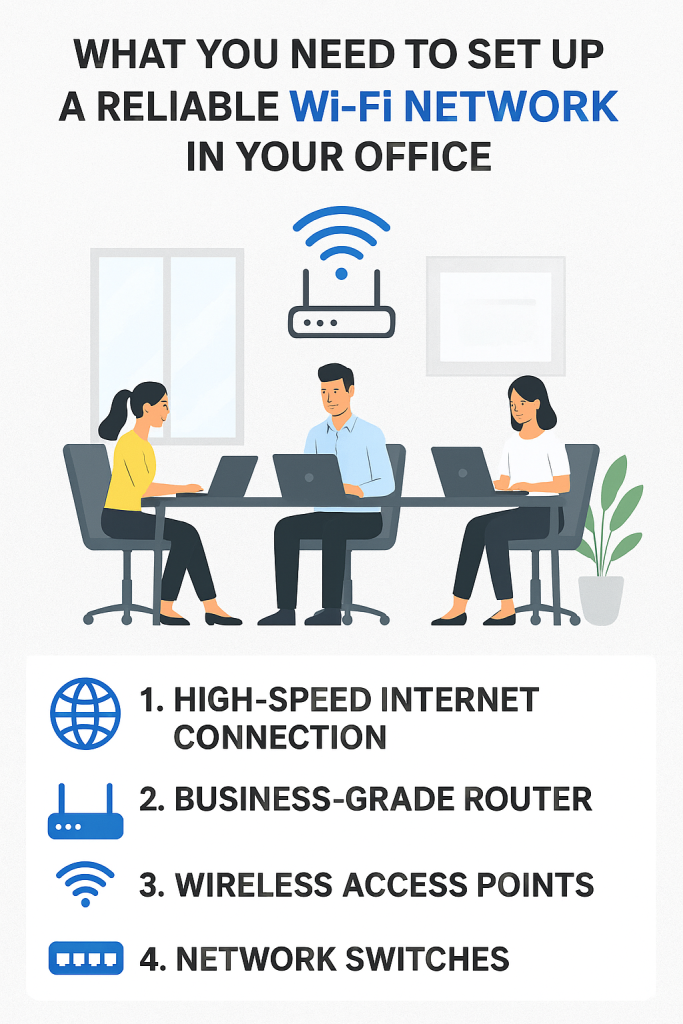
A router is the heart of your Wi-Fi network. Unlike home routers, business-grade routers offer advanced features such as:
- Dual-band or tri-band connectivity (2.4 GHz and 5 GHz for better speed and range).
- MU-MIMO (Multi-User, Multiple Input Multiple Output) to handle multiple devices without lag.
- Firewall and VPN support for better security.
- Guest network option to separate staff devices from visitors.
3. Wireless Access Points (WAPs)
In larger offices, a single router won’t cover every corner. You’ll need wireless access points (WAPs) to extend coverage. These devices:
- Eliminate dead zones.
- Allow seamless roaming (employees can move around without losing connection).
- Can be ceiling-mounted for wide coverage.
For best performance, consider mesh Wi-Fi systems that automatically connect users to the nearest access point.
4. Network Switches
A network switch connects multiple wired devices (like desktop PCs, printers, and servers) to your router. Managed switches also allow you to:
- Prioritize traffic (e.g., give video conferencing higher priority than file downloads).
- Add Power over Ethernet (PoE) to power devices like WAPs without extra adapters.
5. Structured Cabling
Even with Wi-Fi, you’ll need reliable Ethernet cabling for your backbone. Wired connections ensure speed and stability for:
- Servers
- Network-attached storage (NAS)
- Video conferencing systems
- Printers
6. Strong Security Protocols
Office Wi-Fi networks handle sensitive business data, so security is critical. To protect your network:
- Use WPA3 encryption (the latest and most secure standard).
- Enable firewall protection on your router.
- Set up a separate guest network for visitors.
- Regularly update router firmware.
- Use strong, unique passwords.
7. Reliable Power Backup
Imagine losing your Wi-Fi during a client presentation because of a power outage. Avoid downtime by installing:
- Uninterruptible Power Supply (UPS): Keeps your router, switches, and access points running during outages.
- Backup generator or inverter system for longer power cuts.
8. Network Monitoring Tools
A reliable Wi-Fi network needs continuous monitoring. Use network management software to:
- Track bandwidth usage.
- Detect and fix issues quickly.
- Block unauthorized devices.
- Generate reports for network performance.
Popular tools include Ubiquiti UniFi Controller, PRTG Network Monitor, and SolarWinds.
9. Scalability Considerations
As your business grows, so will the demand on your Wi-Fi. Plan for scalability by:
- Choosing routers and switches that support more users.
- Using modular network setups that allow easy expansion.
- Considering cloud-managed Wi-Fi solutions that let IT teams manage networks remotely.
10. Professional Installation & Support
While small businesses may set up Wi-Fi themselves, larger offices benefit from hiring IT professionals. They ensure:
- Proper cabling layout.
- Optimal access point placement.
- Strong security implementation.
- Ongoing technical support.
Conclusion
A reliable Wi-Fi network is the backbone of modern office productivity. To set one up, you need more than just a router—you need business-grade hardware, structured cabling, proper security, and ongoing monitoring.
By investing in the right equipment—such as routers, access points, switches, and UPS backup systems—and implementing strong security measures, your office will enjoy seamless internet access that supports teamwork, video conferencing, and cloud applications. Whether you’re a small startup or a growing company, a well-planned Wi-Fi setup ensures your employees stay connected and your business runs smoothly.